Username-Based Login

Jun 16, 2026
 765
765
Username-Based Login
Shop Boss is updating the User Login page by removing the Shop ID login field and replacing it with a Username field.
With this change, the login page will no longer display the Employee dropdown list that currently shows active employees tied to a Shop ID. Users will instead log in using their assigned username. Keep in mind Duplicate usernames CANNOT be used!
How to Update:
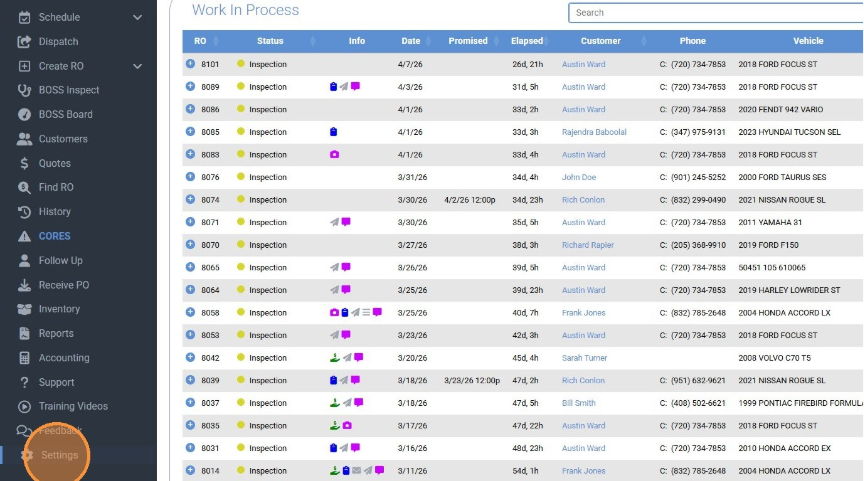
- To update your employee login with a username, navigate to the Settings tab located in the lower left-hand corner of the Work in Process screen.
If you do not have access to Settings, a manager with the correct permissions will need to update your employee profile for you.
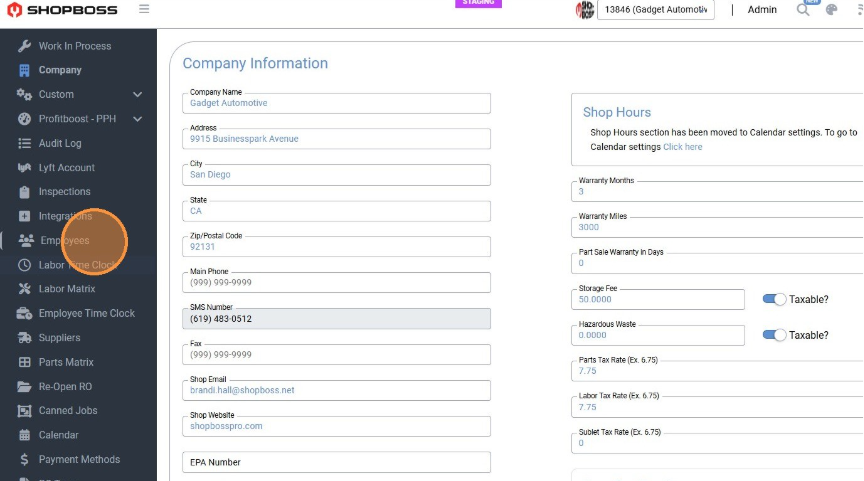
- Once in Settings, navigate to the Employees tab and select which employee. Then select Permissions.
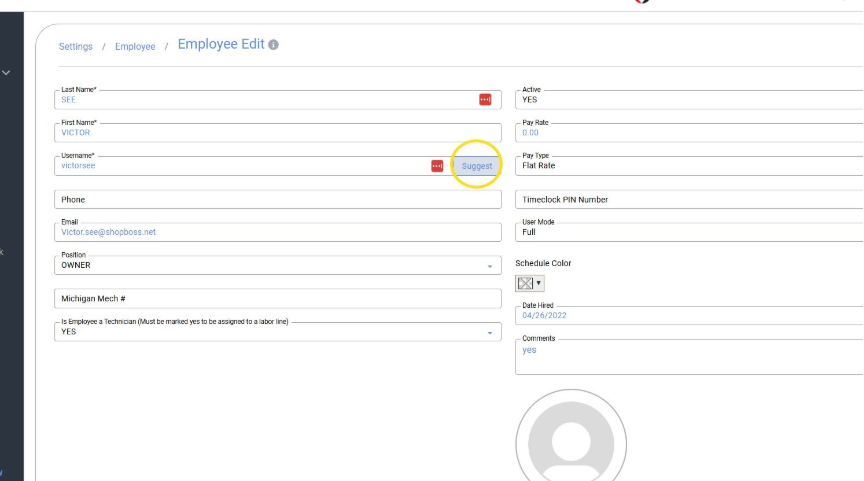
- Under the Employee Profile, you will see a field labeled Username.
You can create your own unique username or use the Suggest feature to generate one for you.
- Once saved, this will become that employee’s login username moving forward.
All usernames must be unique, **meaning duplicate usernames cannot be used.**